


Machine Control Solutions
Machine control for excavators, bulldozers, wheel loaders, and graders
Machine Control Solutions from Geodirect
From digital design to execution on the machine
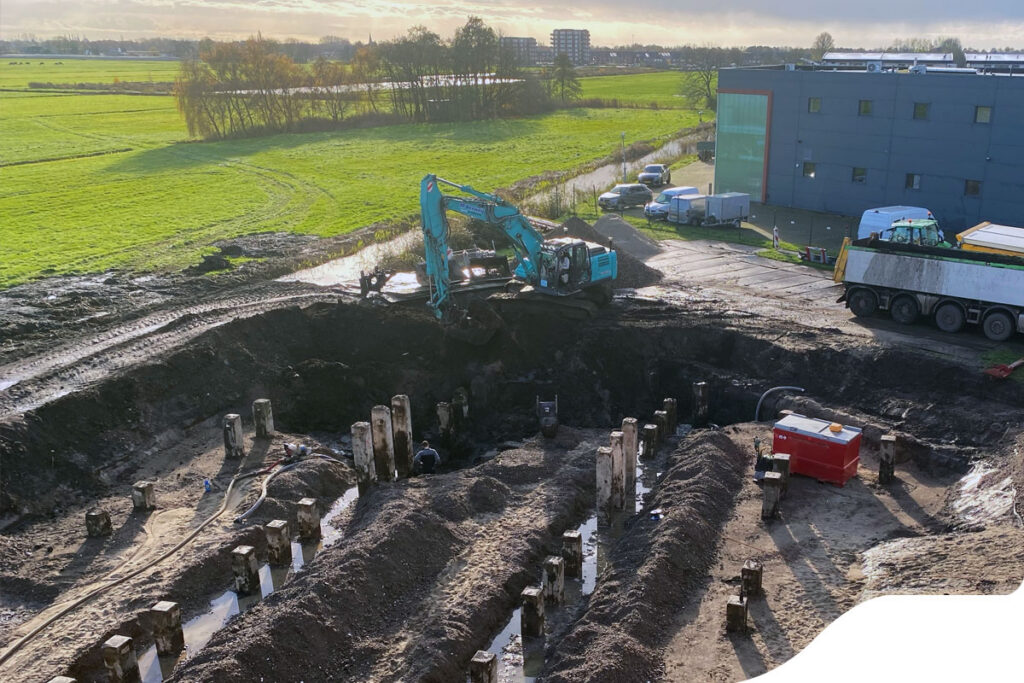
Excavate and backfill according to design
With machine control, the operator sees on the screen where soil needs to be removed or added. This allows them to check the excavation depth or finish height themselves during the work.
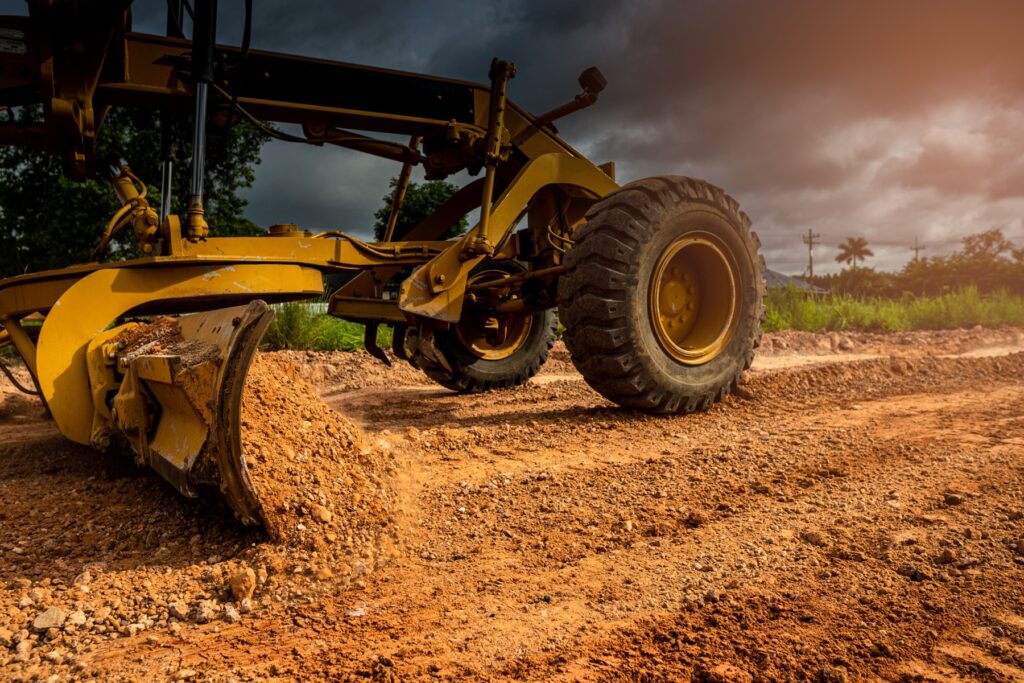
Bring roads and sites to profile
When finishing road subgrades, foundation layers, and slopes, machine control helps the operator maintain the desired height, grade, and profile.
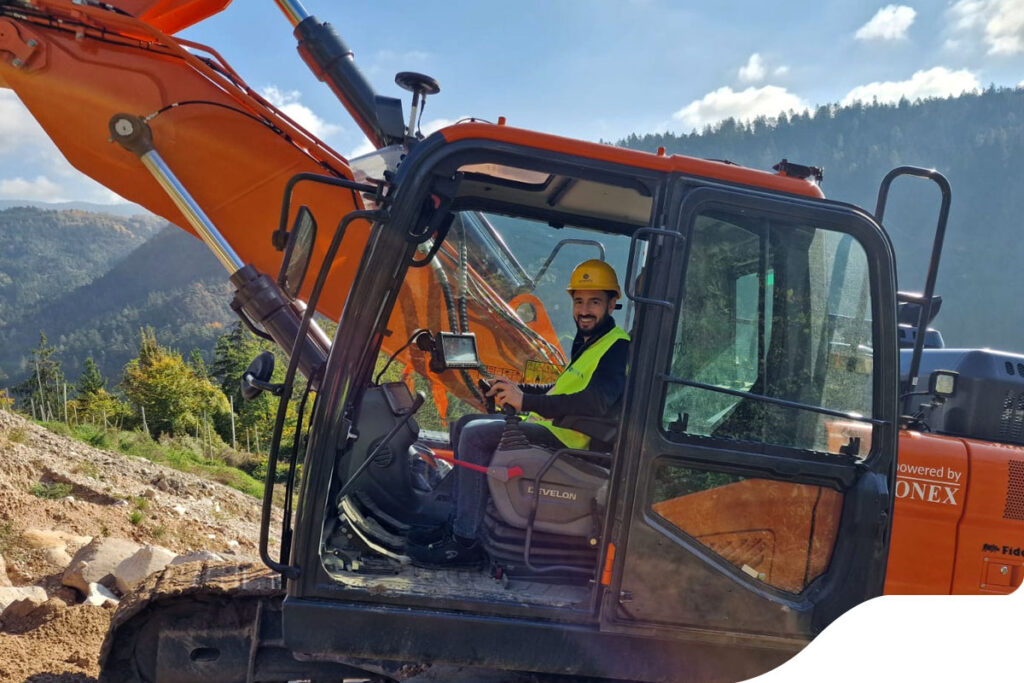
The current design in the cab
With STX-MC and STX-Cloud, you share design files between the office and the machine. In the event of a design change, the operator can continue with the updated version.
Workflow Machine Control Solutions
Stap 1
Prepare the design
Load the digital design into the system so the operator can see the profile to be created on the screen.
Stap 2
Set up the machine
Choose the correct bucket or blade and check the settings before you start working.
Stap 3
Work according to the design
The operator can see during excavation or profiling where soil needs to be removed or added.
Stap 4
Check the result
Compare the finished height or profile with the design and correct deviations accordingly.
Applications for Machine Control Solutions
Machine control for excavators
Excavate construction pits and trenches according to design and bring slopes to profile.
View applicationMachine control for dozers
Level terrain and finish slopes according to design
View applicationMachine control for wheel loaders
Distribute soil and finish the site according to design
View applicationMachine control for graders
Finish roads and sites at the planned height and with the correct grade
View applicationIN THE SPOTLIGHT
Excavate according to 3D design with Stonex STX-DIG 3D Pro
For construction pits, trenches, and slopes, the desired depth or incline can change along the way. With the STX-DIG 3D Pro, the operator sees on the screen where the bucket is located relative to the digital design. This allows them to check for themselves where soil still needs to be removed during excavation.
- The operator sees during the work whether the bucket is at the planned excavation depth.
- The operator sees on the screen where the bucket is located relative to the planned trench line or construction pit boundary.
- You can upgrade an existing STX-DIG 1D or 2D setup to 3D Pro.

CONTACT US
See machine control in practice
Would you like to know which machine control solution fits your machine and operations? During a demo, Jasper Zuidam will show you how the operator follows a digital design on the screen and checks the height or profile during the work. Together, you will discuss which version fits your work and what is required for installation and instruction.
Jasper Zuidam
Business Unit Manager – Machine Control Solutions
+31 (0)6 18 42 38 52 | j.zuidam@geodirect.nl
Which machine control solution fits my excavator, bulldozer, wheel loader, or grader?
For excavators, there is STX-DIG. Which version fits you depends on your work: do you excavate along a profile or do you work with a digital 3D design? For bulldozers, wheel loaders, and graders, there is STX-GRADE. This allows the operator to see on the screen where the blade or bucket is located relative to the design.
What is the difference between STX-DIG 1D, 2D, and 3D Pro for excavators?
With 1D, the operator follows the excavation depth and slope in the direction of the boom. 2D also determines the direction of the machine, allowing the operator to swing during the work. When moving the machine, both systems still require a reference point or laser sensor to transfer the working height. With 3D Pro, the system determines the position of the bucket on the job site using GNSS, and the operator can follow a digital 3D design.
Can I upgrade my existing machine control later?
Are you already using STX-DIG 1D or 2D? Then you can grow to 3D Pro. Stonex builds on the existing installation and adds the necessary components, such as a GNSS receiver and cabling. Which components are required depends on your current version.
What does a demo on my own machine look like?
Together with Jasper, you will discuss your machine and the work you do with it. During the demo, you will see how the operator follows a design on the cab screen and checks during the work whether the bucket or blade is at the planned height. Would you like the demo on your own machine? Then we will coordinate in advance what is required for that.
Technology partners
for Machine Control Solutions


From the air, from the ground, underwater, and in the soil, we help you capture reality. With innovative measurement solutions and expertise that truly makes technology work in practice.